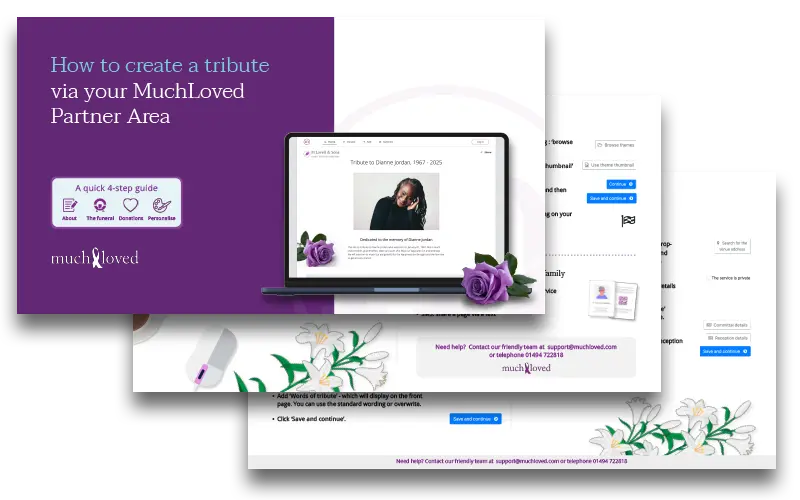
Once you've logged in to your Partner Area, you're ready to create a tribute page.
Click Create a Tribute.
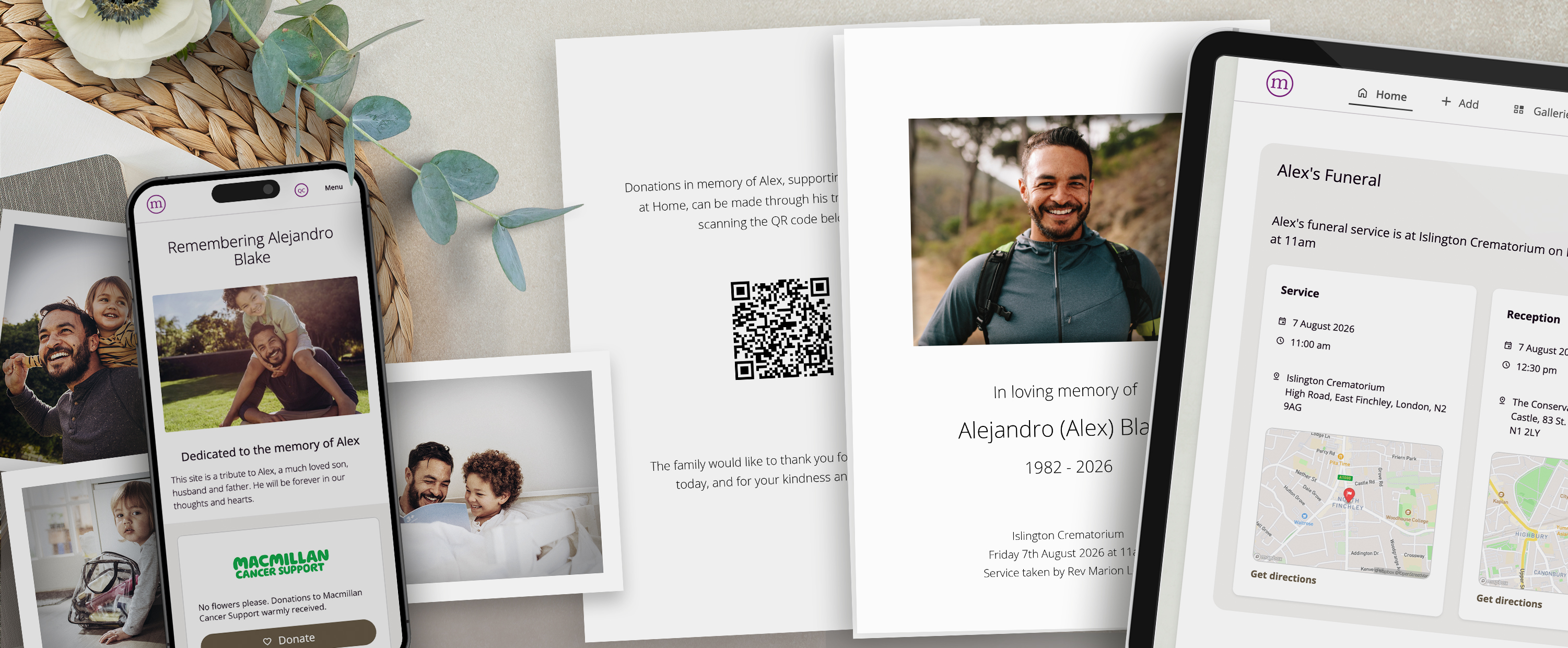
Follow the on-screen steps to add details about the person who has died and their funeral.
If the family would like to collect donations, add their chosen charity or charities.
Personalise the page by choosing a theme and adding a photo.
Add a tribute owner. This is usually a family member who will look after and manage the page.
Adding a tribute owner is important. It means the family can keep the page for years to come, and charities can thank donors for their support.
Need help?
If you'd like more guidance, you can:
Download our step-by-step guide to creating a tribute page from the Partner Toolkit
Call our friendly support team on 01494 722818