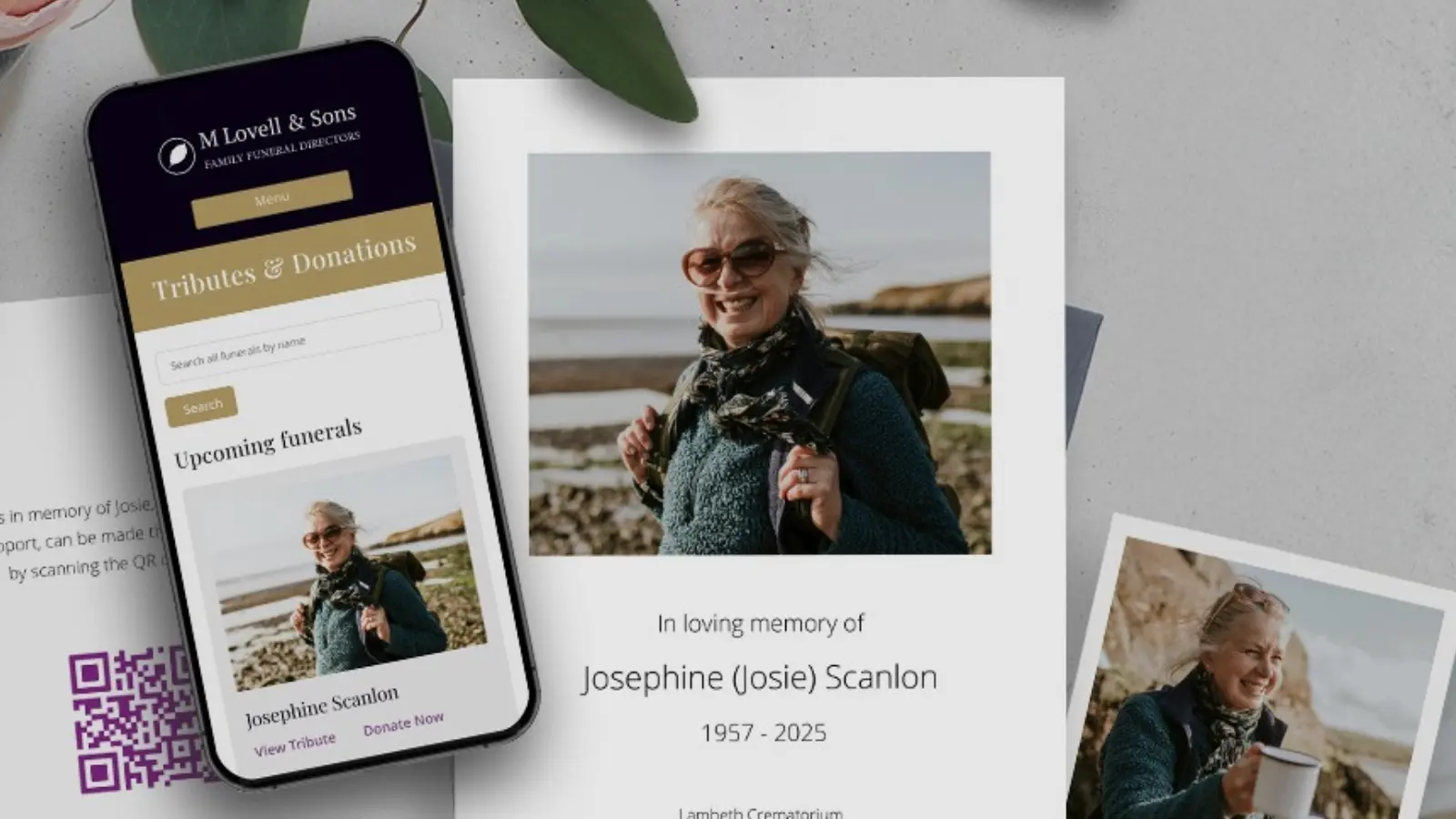
Adding some additional details to a tribute page, beyond the funeral notice can mean a great deal to your families.
Help the family add personal touches. Choose a theme for the page, upload any photos the family have shared, and if appropriate, add a beneficiary charity to receive donations. You can also upload the order of service as a JPEG, so the family can view it at any time.
Create a QR code. Each tribute page has a unique QR code which can be downloaded from within your Partner Area. Families may wish to include this on the back of the order of service or display it at the funeral, making it simple for others to access the page.
Give the page to the family, so it's theirs for years to come. Crucially, you must have assigned a tribute owner for the page - this is the most important step in personalising a page. Without a family member's contact details as the page owner, this isn't possible. Once a tribute owner is added, the family can maintain the page as a lasting memorial for as long as they wish, making this step the most important to create something truly meaningful for the family.